Quick sharing
Gathering input from your team shouldn’t be a logistics exercise with accounts and permissions. Share a link or a short code, and people are in.
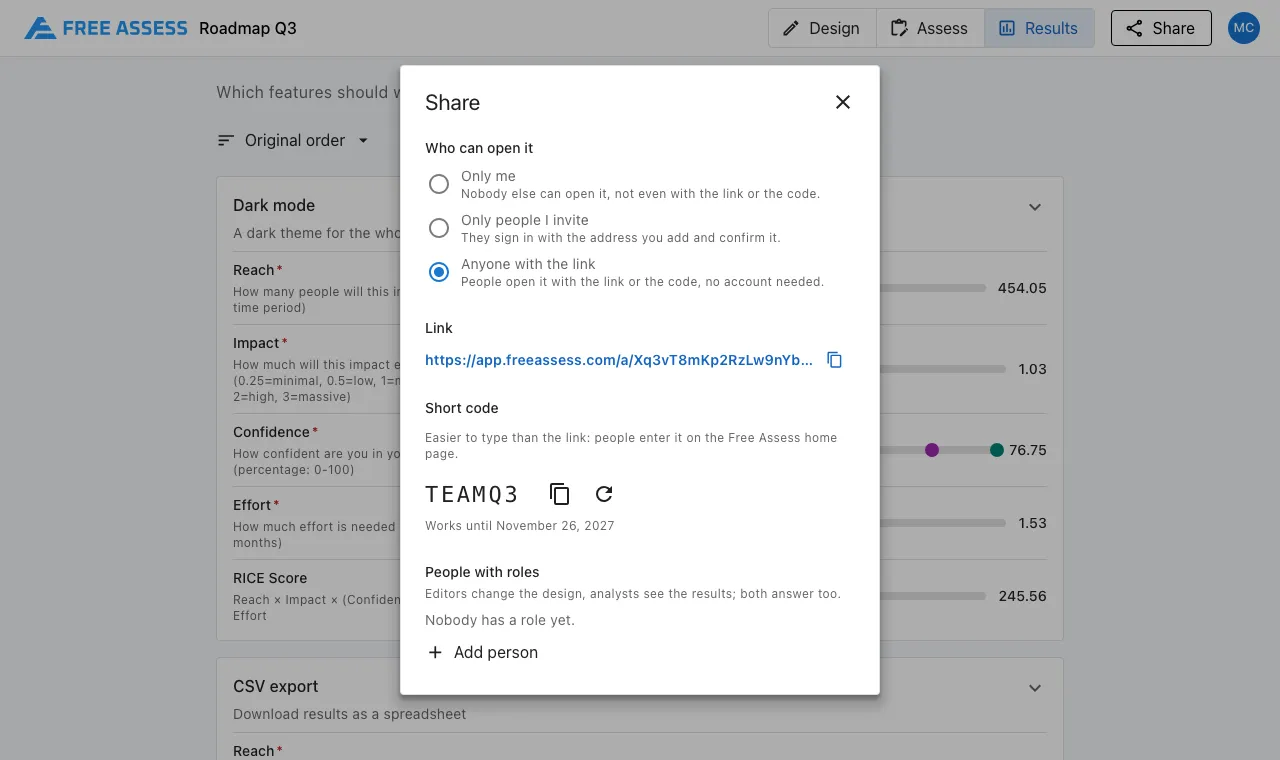
Every assessment has its own link
New assessments start private, visible only to you. When you’re ready, open Share and choose Anyone with the link. That one choice is all it takes.
Click the link to copy it, paste it into Slack, Teams or an email, and you’re ready to work together.
Prefer a closed group? Only people I invite keeps the same link and code, but opens them only for the email addresses you list. More in roles and access.
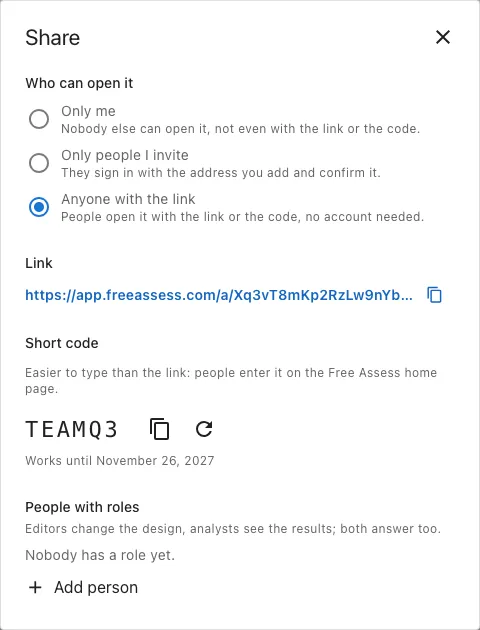
Short codes for meetings
Long links are awkward to read out in a call or put on a slide. Every shared assessment can also have a short code, like TEAMQ3. Generate one with a click, or type your own: 4 to 12 letters or digits.
Participants open FreeAssess, type the code into the Have a code? field on the home page, and join. Codes follow the sharing setting: make the assessment private again and the code stops working for others. Change the code and the old one stops working immediately.

Zero barriers to entry
Asking stakeholders to create an account just to vote on a few items kills participation. With FreeAssess, no registration is required for contributors: they open the link or enter the code and start answering right away.
They can stay anonymous, add just a name under Your name in the account menu so you know who answered, or create a free account to appear with their name and photo. Their answers are kept when they do.
- Real-time sync. Scores reach the results as they’re entered, and every change to the design reaches participants right away, in a live meeting or across time zones.
- See who’s in. You see who has answered and how far they’ve got, and watch the consensus form.
- Any device. Participants score in the browser on a laptop or a phone.
Open to everyone, controlled by you
Opening up an assessment doesn’t mean losing control. Participants answer; the results stay with you, and with the people you make an analyst or editor.
Contributor management. The owner sees everyone who has answered and can include or exclude any contributor’s scores during analysis: to filter out incomplete data, manage outliers or compare stakeholder groups.
Required metrics. When metrics are marked as required, a contributor’s score for an item only counts once all its required metrics are answered, so partial votes can’t skew the results.